The Permaweb Wallet
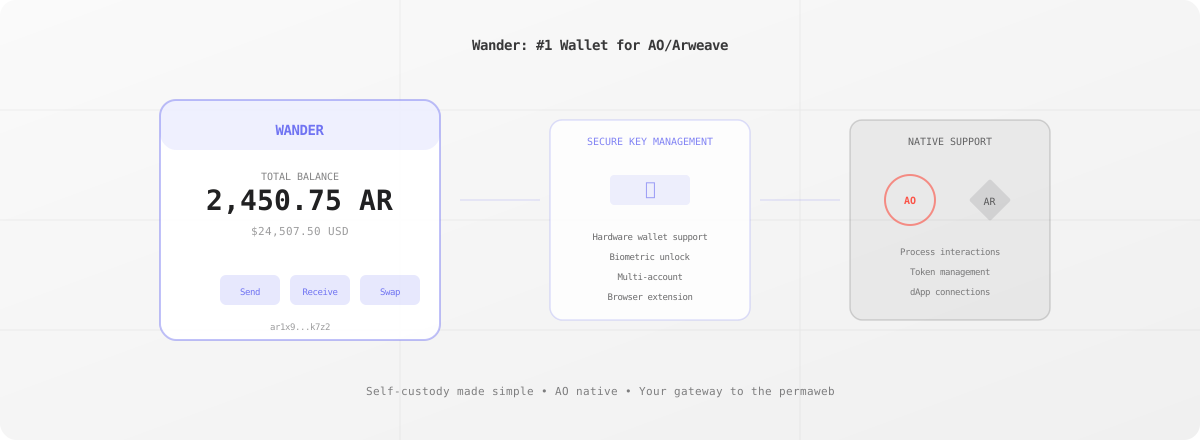
Wander (formerly ArConnect) is the most trusted wallet for Arweave and AO. With over 100,000 users, it's the primary way people interact with the permaweb, managing AR tokens, signing transactions, and connecting to decentralized applications.
Browser Extension
Wander runs as a browser extension for Chrome, Firefox, Brave, and Edge. Once installed, it:
- Manages your keys securely in encrypted local storage
- Signs transactions when you interact with permaweb apps
- Displays your balance of AR and AO tokens
- Connects to dApps with secure permission prompts
The experience mirrors MetaMask for Ethereum users with familiar patterns adapted for Arweave's permanent web.
Security Model
Your private keys never leave your device:
- Encrypted storage: Keys are encrypted with your password
- No server storage: Wander doesn't transmit or store your keys
- Permission system: Apps request specific permissions you can approve or deny
- Transaction preview: See exactly what you're signing before confirming
For high-security needs, Wander supports hardware wallets and multi-signature setups.
AO Integration
Wander provides native support for the AO computer:
- View AO tokens and balances
- Sign AO messages for process interactions
- Connect to AO apps through standard interfaces
- Track process activity across the network
As AO grows, Wander remains the primary wallet interface for interacting with hyper-parallel compute.
Features
- Multiple wallets: Manage several addresses from one interface
- Token support: AR, AO tokens, and Arweave assets
- Address book: Save frequently used addresses
- Transaction history: View past activity
- ArNS integration: Works seamlessly with Arweave names
- Developer tools: Testing and debugging features
Mobile Access
While Wander is primarily a browser extension, it provides:
- Wander Mobile: iOS and Android apps for mobile access
- WalletConnect: Connect to mobile apps from desktop
- QR codes: Easy wallet import and connection
Developer Integration
dApps connect to Wander through the arweaveWallet API:
// Check if Wander is installed
if (window.arweaveWallet) {
  // Connect to the wallet
  await window.arweaveWallet.connect([
    'ACCESS_ADDRESS',
    'SIGN_TRANSACTION',
  ]);

  // Get the active address
  const address = await window.arweaveWallet.getActiveAddress();

  // Sign a transaction
  const signedTx = await window.arweaveWallet.sign(transaction);
}
The API is standardized, so apps work with any compatible wallet.
Getting Started
- Install from wander.app
- Create a new wallet or import existing keys
- Backup your seed phrase securely
- Connect to your first permaweb app
Wander is the gateway to the permanent web. Whether you're storing files on ArDrive, deploying apps, or interacting with AO processes, Wander manages your identity and signs your transactions.